Debug Google Cloud with Smello
Google Cloud client libraries for Python use gRPC under the hood for services like BigQuery, Firestore, Pub/Sub, and Cloud Storage. Smello captures these gRPC calls automatically, showing you the protobuf payloads as readable JSON.
Setup
Then run your script with smello run:
Smello patches grpc.secure_channel, which is what Google Cloud client libraries use to communicate with Google's APIs. No code changes needed.
Scenario: debugging a slow BigQuery query
You're running a BigQuery query from Python and it takes much longer than expected. Is the query itself slow, or is something else going on?
client = bigquery.Client()
query = "SELECT * FROM `project.dataset.large_table` WHERE date > '2026-01-01'"
rows = client.query(query).result()
# Takes 45 seconds: the query runs in 3 seconds in the BigQuery console
Debug in the dashboard
Open the Smello dashboard. You'll see multiple gRPC calls that the BigQuery client makes:
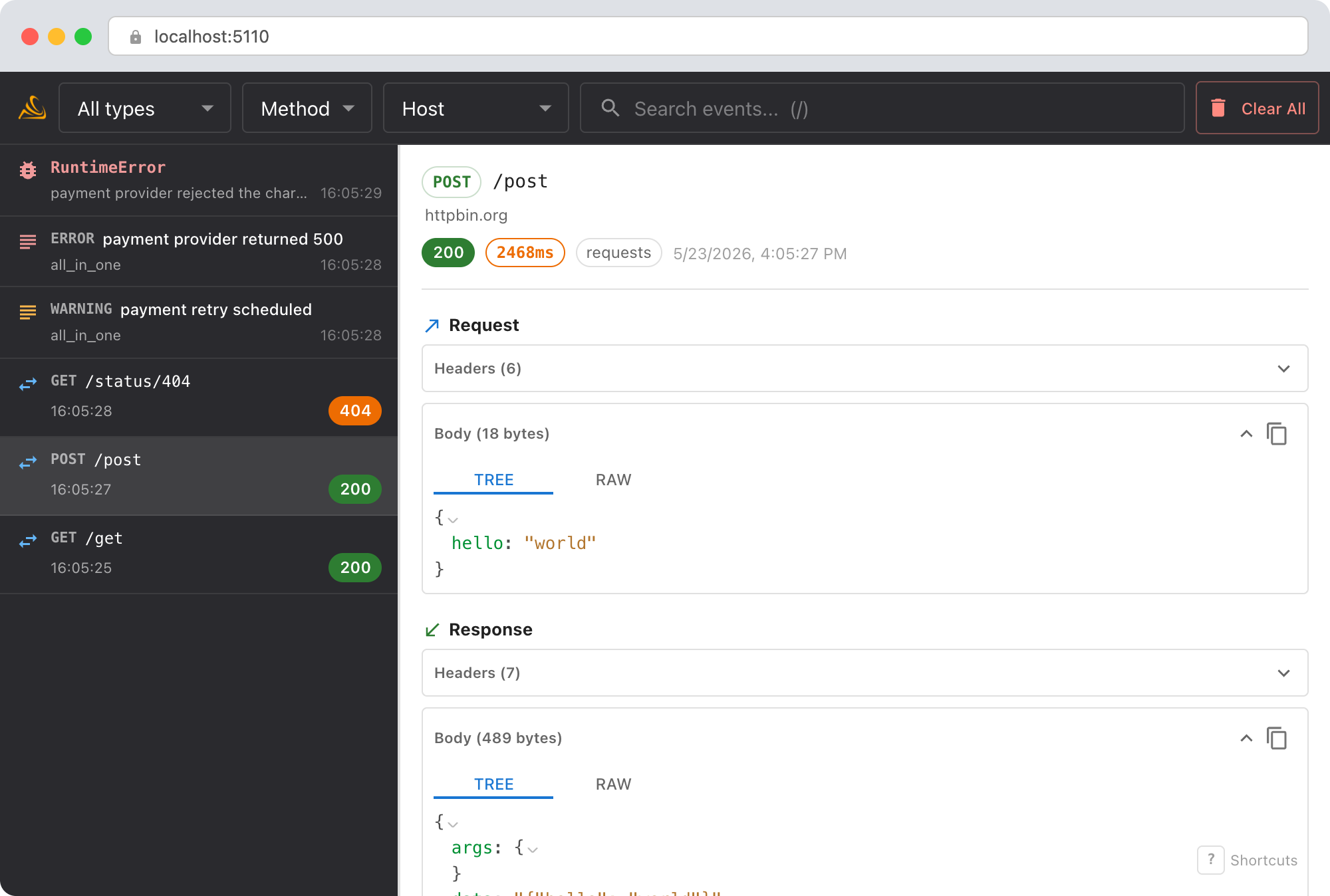
google.cloud.bigquery.v2.JobService/InsertJob: the initial query submission. Check the request payload to confirm the SQL and any query parameters.google.cloud.bigquery.v2.JobService/GetJob: the client polls for completion. Count how many poll requests there are and their timing: the polling interval might be the bottleneck.google.cloud.bigquery.v2.JobService/GetQueryResults: fetching results. A large result set means multiple fetches.
The timeline view shows the full sequence and timing, so you can see where the 45 seconds goes.
Debug with an AI agent
If you use Claude Code or another AI coding tool, the /smello skill can query captured events and cross-reference them with your source code. Install it once:
Then ask your agent:
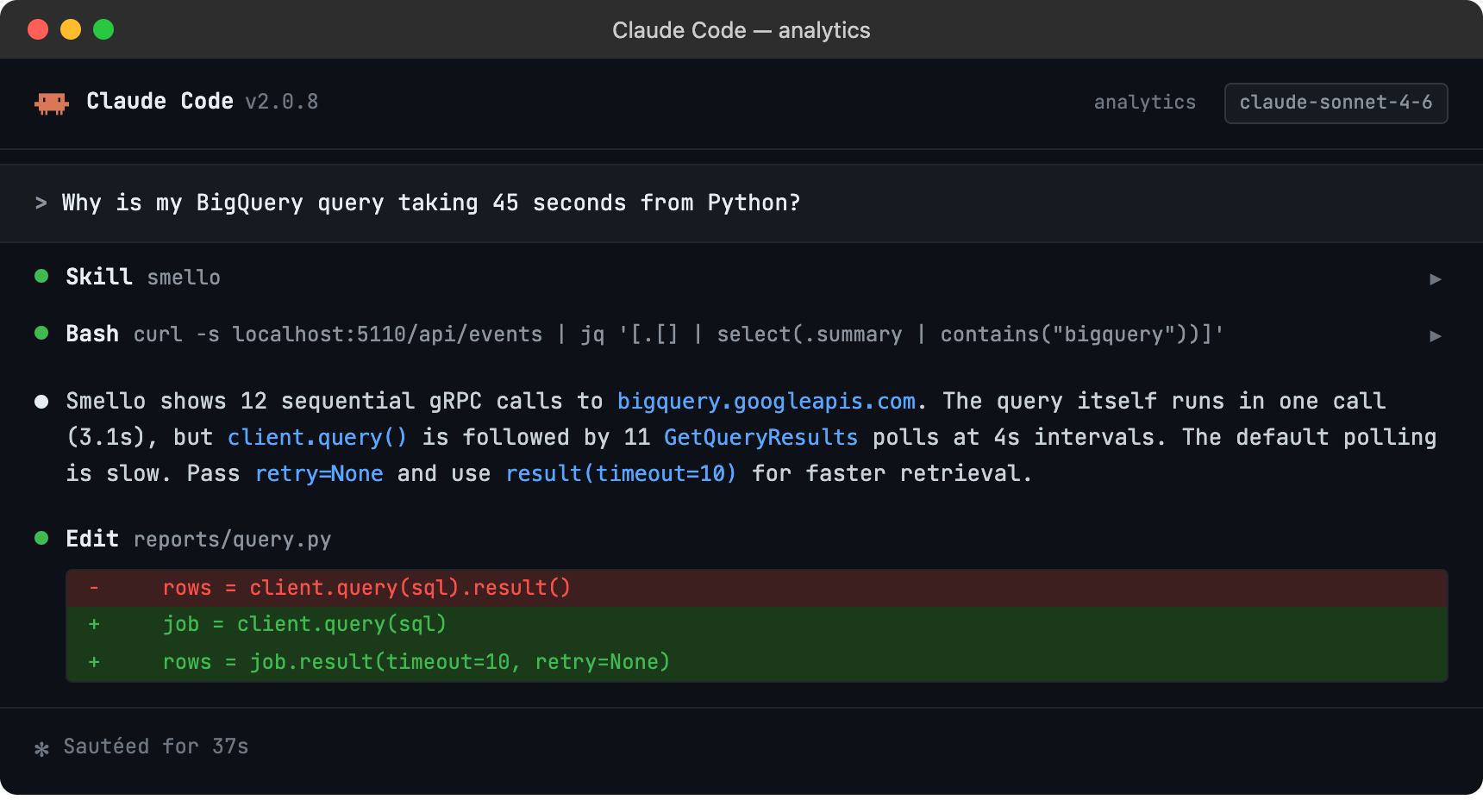
The skill is also invoked automatically when your agent recognizes a debugging question, but calling /smello explicitly gives the best results. See AI Agent Skills for compatible tools.
Tips
- gRPC payloads as JSON: Protobuf messages are displayed as JSON in the dashboard, so you can read BigQuery job configs, Firestore documents, and Pub/Sub messages without decoding binary protobufs.
- REST fallback: Some Google Cloud libraries support a REST transport as an alternative to gRPC. If you're using REST transport, Smello captures those via the
requestsorhttpxpatches instead. - Authentication: Google Cloud libraries handle OAuth2 token refresh automatically. You'll see token refresh calls in the timeline if they happen: useful for debugging auth issues.
- Multiple services: If your code calls BigQuery, Firestore, and Pub/Sub in the same request, all the gRPC calls appear in the timeline together.
Next step: follow the getting started guide for installation, configuration, and more.